7 interactive labs · right in your browser
PC assembly and maintenance labs
Build, upgrade and maintain a computer step by step, right in your browser and with nothing to install.
-
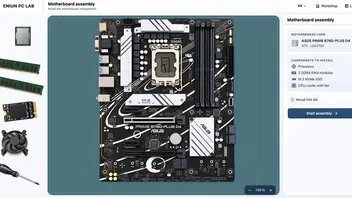
Motherboard assembly
Install the CPU, RAM, M.2 SSD and CPU cooler.
-
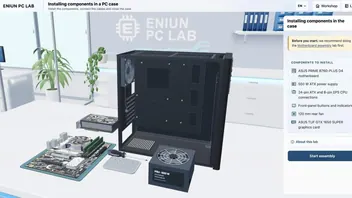
Installing components in the case
Install the motherboard, power supply and graphics card, connect the cables and close the case.
-
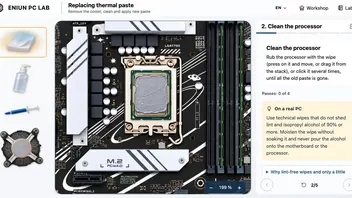
Replacing thermal paste
Remove the CPU cooler, clean off the old paste and apply new paste.
-
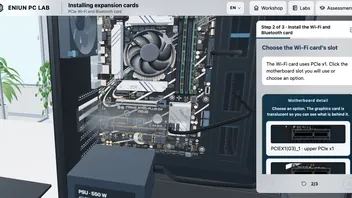
Installing expansion cards
Install a Wi‑Fi and Bluetooth card and connect its antennas and internal cable.
-
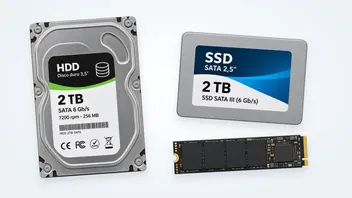
Upgrade PC storage
Install a hard drive, a SATA SSD and an M.2 SSD.
-
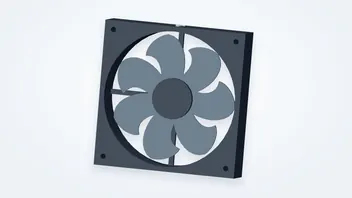
Install PC fans
Mount and connect a front fan.
-
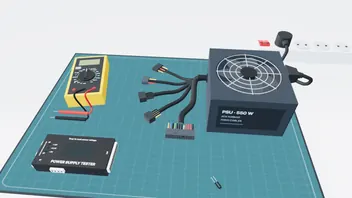
Test a power supply
Start it with a jumper, measure it with a multimeter and check it with a tester.
How the labs work
Each lab guides you step by step: an orange marker shows where to act and the panel explains what you are doing and why. A green notice confirms each action.
“About this lab” covers the theory: parts, tools and precautions. During the steps, “On a real PC” adds tips for doing it on an actual computer.
Your progress is saved in this browser: you can leave a lab halfway, continue later or start again whenever you like. You do not need an account.
They are designed for a computer, with a mouse and a large screen: that is where they work best. They also run on tablets and phones, but the scene looks small and is harder to handle.
Check what you have learned
Each lab has its own quiz, graded out of 10, with a certificate from 7.
While new assembly labs are on the way
Fancy a logic challenge?
Discover Katadoku, a collection of logic and deduction games: read the clues, rule out options and find the only solution.
- Play online or print
- Also for the classroom